Turn a sketch into a floor plan.
Share a sketch or a photo in ChatGPT. It draws the plan to scale, and every wall stays yours to change.
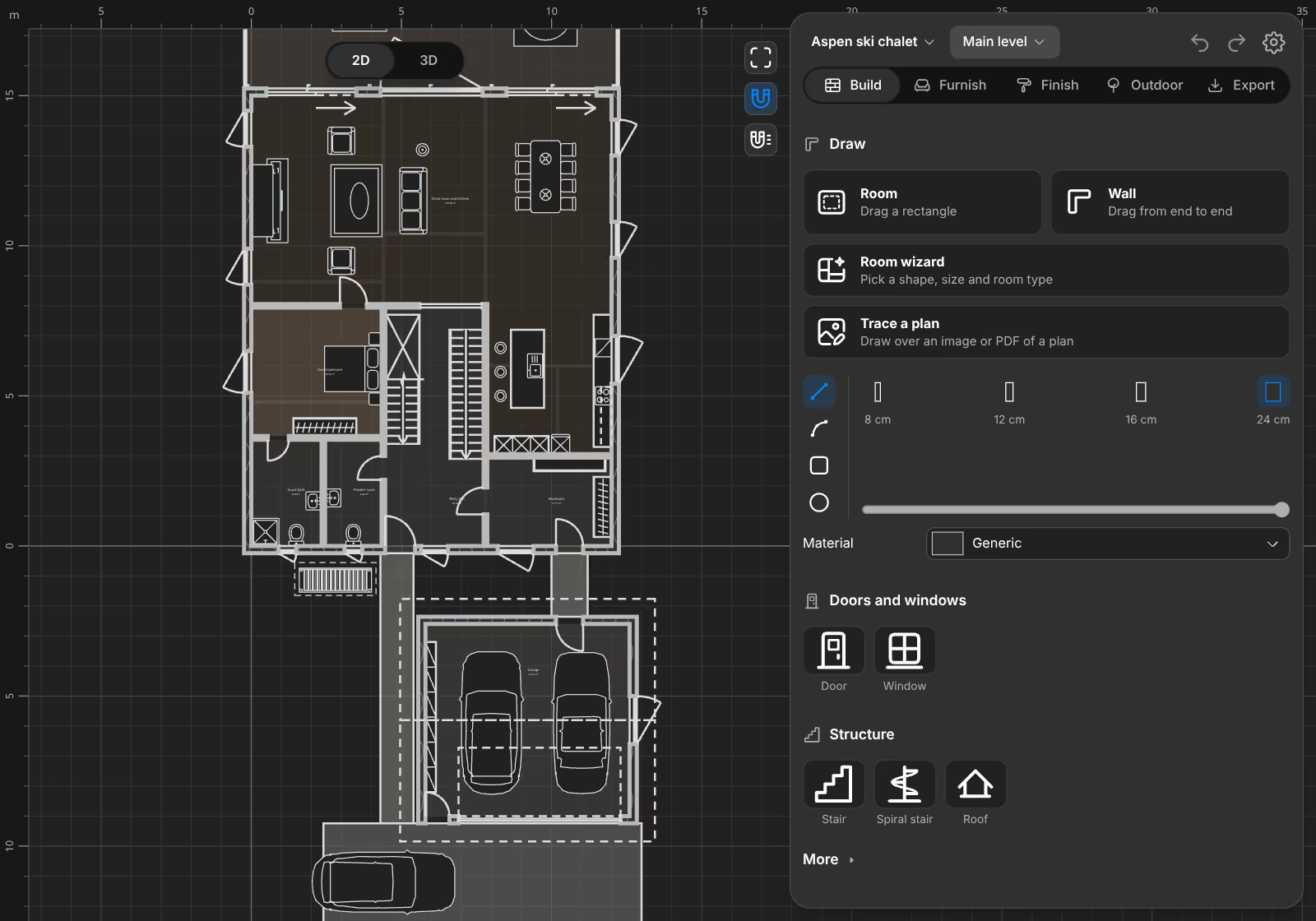
From paper to plan.
Share your sketch.
A photo of a drawing is enough. Add the sizes you know, and say what you want to keep.
See the plan appear.
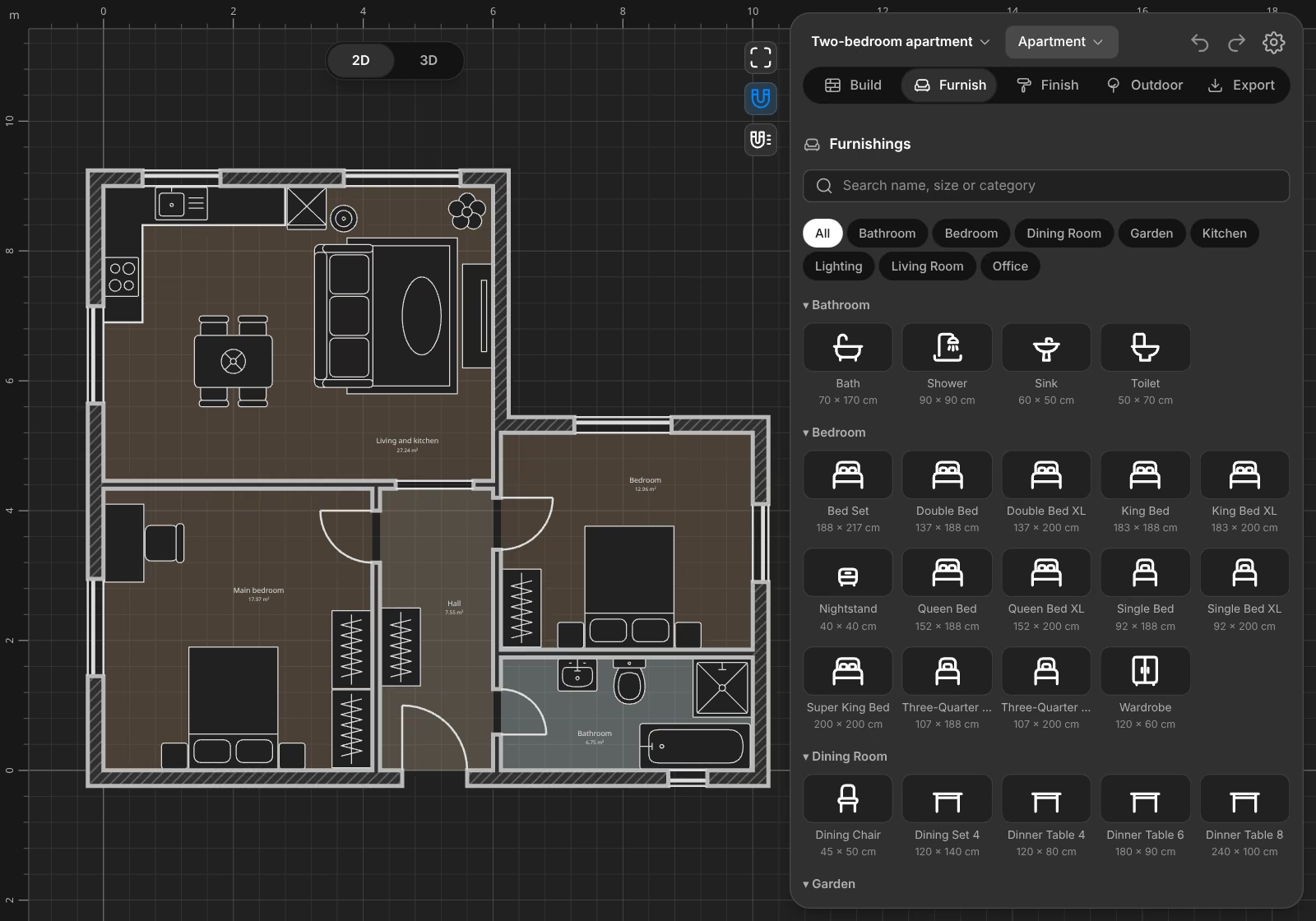
ChatGPT draws the walls, doors, windows and rooms, and the editor shows each step.
Check and change it.
Compare it with your sketch. Ask for changes in words, or move a wall by hand.
By hand
Trace over any plan.
Load an image or a PDF of a plan, set its scale, and draw over it.
Questions.
Can AI turn a sketch into a floor plan?
Yes. Share a sketch or a photo in ChatGPT and ask for a plan. It draws the walls, rooms, doors and windows in the editor, where you can check and change them.
How accurate is the result?
As accurate as what it can read. Write the sizes you know on the sketch or in the chat, and check the result. Rooms show their area as you go.
Can I use a photo of my plot?
Yes. Share a sketch and photos of the land. ChatGPT builds the slope, the trees and the buildings that stay.
Can I trace a plan by hand?
Yes. Use Trace a plan in the editor to draw over an image or a PDF.
Can I edit the plan afterwards?
Yes. Every wall, room and piece of furniture stays editable.